

#
License Reactivation Tool
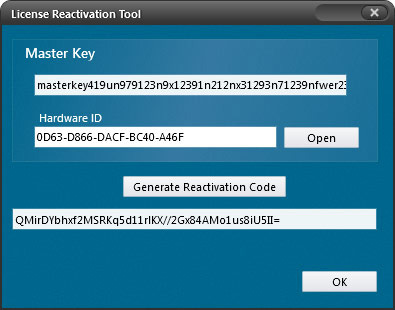
Reactivate a license that was previously invalidated. Together with the License Invalidation Tool, this supports workflows for moving hardware-locked installations between machines.
#
Generate a reactivation code
- Load the .NET Reactor project associated with the license.
- Open the License Reactivation Tool.
- Enter the Hardware ID of the corresponding machine.
- Click Generate Reactivation Code.
One reactivation per code
Each click on Generate Reactivation Code creates a new code. Each code is valid for only one reactivation.
#
Reactivate the license in code
Use Status.ReactivateLicense(string code) from License.dll, which is part of the SDK.
#
Related topics
License Invalidation Tool · Hardware Lock